
Enterprise Search
AI Document Search: Checking PDF Tables in Your RAG System Without the Overall Score Hiding Errors
A RAG system with a very good overall score can still assign the decisive amount wrongly. Especially with multi-page PDF tables, headers, columns and page references get lost along the way. This post shows where that happens and how to check critical fields separately.
by Sebastian @searchit · · 9 min read
 AI-generated
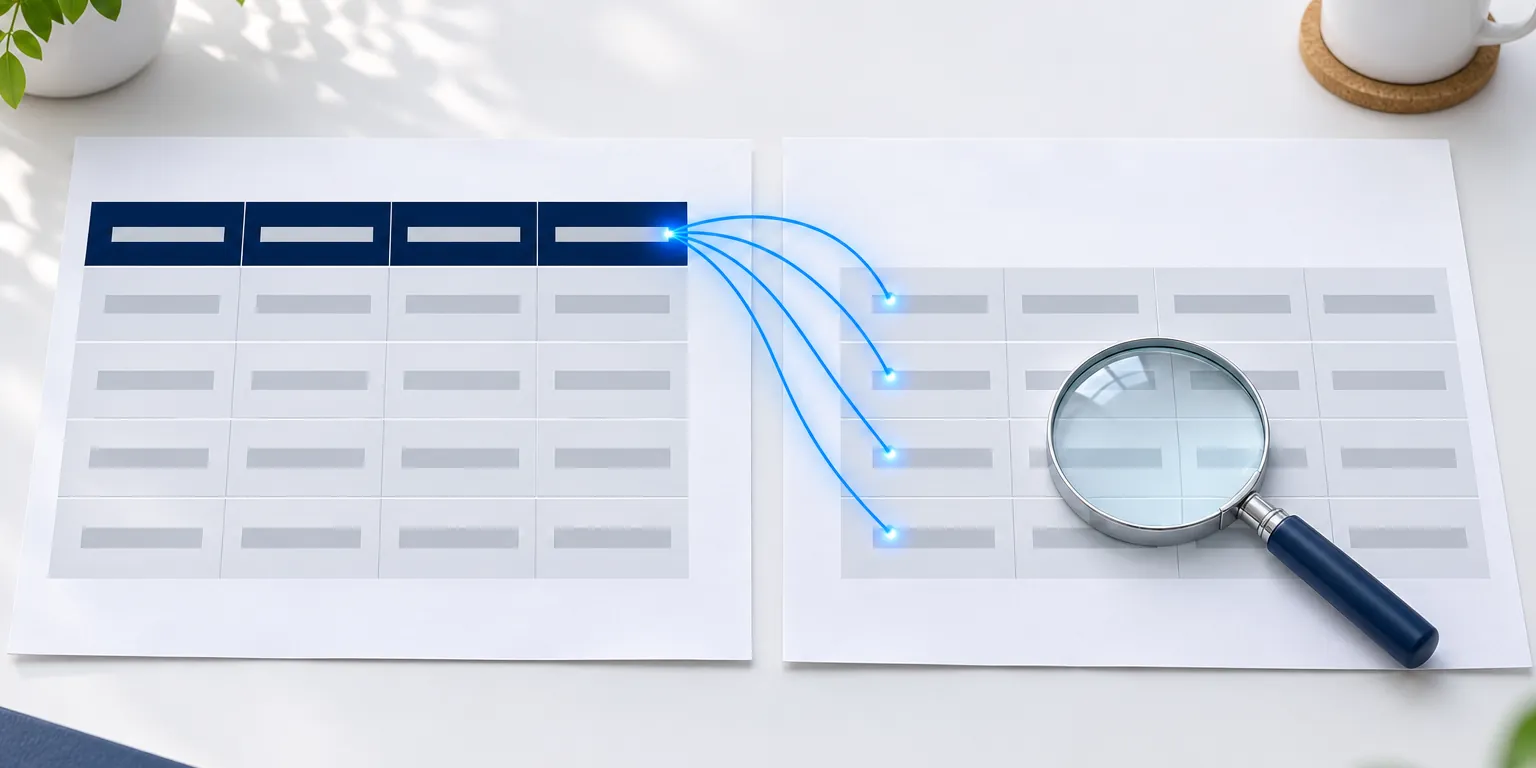
Retrieval-augmented generation, RAG for short, is the method behind most AI assistants for company knowledge: a search system fetches matching sections from your documents, and a language model formulates the answer from them. This works well as long as the knowledge is in running text. In invoices, bills of quantities, price lists and inspection reports, however, it is often in tables – and these span several pages.
Then a small error when reading the PDF is enough: the header row is missing on page 2, a column shifts, a subtotal is read as a line item. The answer still sounds plausible. And then you are looking at a proper mess, because an overall score such as “95 percent of the content recognised correctly” says little about the decisive amount if it weights it the same as a misrecognised filler word.
A note up front: we make searchit. We have not found a generally recognised, complete test method for tables in RAG systems. The following procedure is therefore our own draft. My advice: check it against your own documents – with every vendor.
In short
- Define the critical fields first: amount with currency and unit, assignment to line item and column, source page.
- Count critical field errors separately – never averaged together with all the other characters.
- Check three stages individually: reading the PDF, finding the right section, answering with a source reference.
- Distinguish “missing”, “wrong” and “invented”. An invented value is worse than a missing one.
- Check again after every change: a different PDF reader, a different language model, a different split into sections.
When you search documents with AI: where table references get lost
A PDF stores characters at positions on a page; the table structure can’t simply be read from that. Anyone reassembling rows and columns from it has to infer how they belong together. That usually works well, but not always. Typical breaking points in document search across PDFs:
| Breaking point | What happens | How it looks in the answer |
|---|---|---|
| Page break | the header row is only on the first page | values from page 2 no longer have column names – “net” and “gross” get mixed up |
| Multi-column layout | columns are read side by side instead of one below the other | two line items merge into one |
| Merged cells | a group row applies to several rows below it | the group is attached only to the first row |
| Totals and subtotals | they look like line items | a subtotal is given as a unit price |
| Unit in the header or footnote | “all amounts in thousands of euros” is outside the table | the amount is wrong by a factor of a thousand |
| Number format | depending on the language, comma and point separate thousands or decimals | with a wrongly assumed format, 1.234,56 euros turns into an amount of around one euro |
| Scans | the page is an image, not text | without text recognition, the table is missing entirely |
| Split into sections | the RAG system cuts long documents into pieces – even right through a table | the section found contains values, but not the row they belong to |
Defining critical fields
Not every character is equally important. For each document type, define the fields where an error makes the answer unusable. For invoices and bills of quantities, these are usually:
- amount – with currency and unit,
- assignment – which line item and which column the amount belongs to,
- source page – where the value appears in the original,
- date or deadline, if present,
- item or article number.
Check everything else – formatting, running text, footers – as well, but separately.
Three stages, three counts
A wrong amount in the answer can have arisen in three places. Anyone who only checks the finished answer doesn’t know where the error lies. So count the errors per stage:
- Reading: after the PDF has been converted, is the value correctly in the text – in the right row, under the right column?
- Finding: for a question, does the search return the section that contains the value and its row together with the column reference?
- Answering: does the answer give the right value with the right unit and source reference?
Also note what kind of error it is:
| Type | Meaning | Weight |
|---|---|---|
| missing | the value is in the PDF but doesn’t come through | annoying – usually noticed |
| wrong | a value comes through, but with the wrong assignment, unit or page | dangerous – looks correct |
| invented | the value appears nowhere in the document in this form | most dangerous – can’t be verified in the original |
The test procedure
- A test set of real PDFs. Take documents that actually occur in your organisation. Deliberately include the difficult cases too: multi-page tables, scans, footnotes with units, total rows.
- Record expected values beforehand. Have someone who knows the document note the critical fields in a small table – before the system runs.
- Check each stage individually. First the converted text, then the sections found, then the answers.
- Report critical field errors separately. A separate line in the report, a separate threshold. The overall score goes below it, not above.
- Repeat with every change. A different PDF reader, a new language model, a changed split into sections: the same set, the same expected values.
This is what the table of expected values for a document could look like:
| Document | Page | Line item | Column | Expected value | Reading | Finding | Answer |
|---|---|---|---|---|---|---|---|
| Bill of quantities A | 3 | 04.120 | Total price net | (amount, currency) | |||
| Bill of quantities A | 4 | 04.130 | Unit price | (amount, currency) | |||
| … |
What helps when building a RAG system
For RAG for business, I propose the following construction rules as part of our draft – regardless of the software used:
- Carry the header along: every section from a table should contain its column names, on following pages too.
- Don’t cut in the middle of a row: align section boundaries with table rows, not with a fixed number of characters.
- Remember the page: store the page number in the original for every section, so the answer can name it.
- Carry units over: attach details such as “in thousands of euros” from the header or footnote to the values.
- Treat numbers with currency as one value, not as two words.
- Detect scans and read them with text recognition before they go into the search.
- Always answer with a source reference, so a person can check the value in the original.
How searchit helps with checking
searchit is an enterprise search with AI and serves AI agents as their memory. When checking PDF collections, these functions help most:
- Text recognition for scans: scanned documents and images become readable and searchable through text recognition.
- View the document’s text: the preview shows the text of a hit in readable form. This lets you see what a table has turned into as text – the first stage of the check.
- The section that matched: for a hit from semantic search, the hit list shows the text section that triggered the hit. This is how you check the second stage: is the column reference in the section too?
- Recognised amounts per document: a separate tab in the preview shows the people, organisations, places and amounts that searchit has recognised in the document. This lets you compare the recognised values directly with your table of expected values.
- Filter by amounts: recognised amounts can be used to filter the search by range – for example “invoices between 50,000 and 100,000 euros”. Amount and currency are checked as one value. Compare the hits with the list of expected documents.
- Provenance of every AI field: every field that a language model generates during indexing carries the model, model version, timestamp and prompt identifier. After a model change, you can see which run delivered which result.
- Permissions of the source systems: every user finds only the documents they may see in the source system, and a connected AI agent only those of its user – including invoices and contracts.
What searchit offers as an enterprise search is shown on the page Enterprise Search on searchit-agent.ai.
Frequently asked questions
What is RAG?
Retrieval-augmented generation: a search system fetches matching sections from your documents, and a language model formulates the answer from them. The quality of the answer therefore depends first on how well the documents are read and found.
Can tables be extracted reliably from PDFs?
That depends on the document. Digitally created PDFs with simple tables can usually be extracted well; multi-page tables, merged cells and scans are more difficult. That is why exactly these cases belong in the test set.
Why isn’t an overall score enough?
If it weights all errors equally, a wrongly assigned amount barely registers in a score covering thousands of characters. For the answer to purchasing, however, it can be decisive.
What is worse: a missing or a wrong value?
A wrong value, and an invented one weighs even more heavily. A missing value is usually noticed; a wrong one can look correct. That is why the test procedure counts the three types separately.
How often should I repeat the check?
With every change that affects reading, finding or answering: a different PDF reader, a different language model, a different split into sections – and when new document types are added.
Conclusion
In a RAG system for business, a single amount in a table can tip the balance. That’s why I would start with the critical fields: define them, check reading, finding and answering separately, and report wrong and invented values on their own. That way, the decisive error stays visible next to the overall score.
We’ll be glad to show you how searchit reads your PDFs and which section it shows as a hit – with your own documents, in a demo.
Related posts: Acceptance Testing AI Agents for Business · Best Enterprise Search Software 2026
You might also like
 AI-generated
Enterprise Search
Permission to Read Is Not Permission to Act: How to Safely Test AI Agents with Write Access
An AI agent with read permissions finds information. With write permissions, it sends emails, changes records and creates appointments. Before you allow that, you need three …
 AI-generated
Enterprise Search
AI Agent Memory for Business: Company Knowledge, Facts and Open Cases Compared
An AI agent without memory starts from scratch every day. But “memory” means something different depending on the vendor: the knowledge in your organisation’s data, facts about …
 AI-generated
Enterprise Search
Acceptance Testing AI Agents for Business: Measure Errors, Clarifying Questions and Rework Separately
In a pilot, an AI agent often looks good. Whether it saves more work in day-to-day operation than review and maintenance cost is something a success rate alone won’t tell you. …